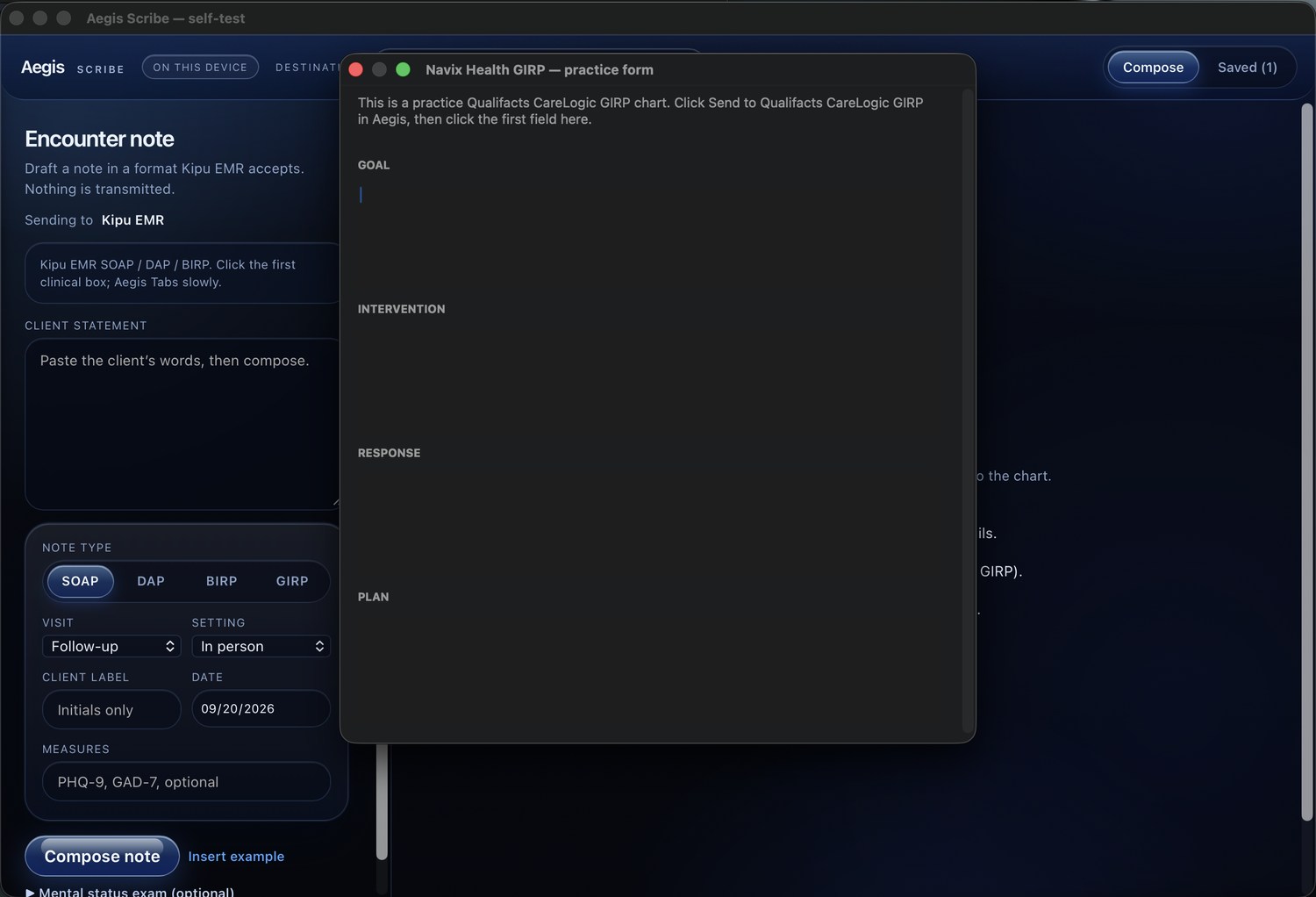
Choose a format
Select SOAP, DAP, or BIRP and the destination you plan to use.
Open beta · free while beta is active
Aegis Scribe turns a client statement into a structured SOAP, DAP, or BIRP note draft—right on your computer.
Compose locally. Review every section. Transfer the finished note into the EHR or CRM you already use.
Made for clinicians and staff in addiction treatment, rehab and behavioral health programs who write SOAP, DAP, or BIRP notes.
Free until the official launch. When the beta ends, upgrading will be required to create or edit notes.
Read beta detailsA quieter documentation flow
Aegis Scribe is a desktop aid—not an EHR, and not a substitute for clinical judgment.
Select SOAP, DAP, or BIRP and the destination you plan to use.
Use a client statement to create a structured starting point locally on your workstation.
Check every detail and complete the note. Aegis can paste into fields you select in your EHR or CRM.
Local by design
Aegis Scribe does not send client statements to a cloud model or remote service. Drafting and saved notes stay in the app’s local workflow and encrypted vault.
Read the clinical-use noticeSaved notes use AES-256-GCM encryption with a passphrase-derived key using PBKDF2-SHA-256.
The app locks after inactivity and when its window is hidden or the workstation sleeps.
Aegis uses clipboard and keyboard actions to move a reviewed note into the fields you select.
The application binaries are hardened and obfuscated to deter reverse engineering and code theft. These protections make analysis more difficult, but cannot guarantee that reverse engineering is impossible.
Encryption helps protect the local vault; it does not replace device security, your organization’s safeguards, staff training, or any required agreements with other vendors.
Aegis Scribe 1.2
Free to download and use while the open beta is active. Please read the included installation and safety notes before using Aegis with real documentation.
For Apple silicon Macs (M1, M2, M3, M4). Requires macOS 13 or later.
Download for Apple siliconFor Intel-based Macs. Also runs on Apple silicon using Rosetta.
Download for Intel MacNative 64-bit desktop app using Microsoft Edge WebView2.
Download for WindowsFor X11 or Wayland. See the included readme for runtime and clipboard setup.
Download for LinuxBeta software is provided as-is. macOS and Windows may show an unrecognized-app warning. Read the included installation instructions before continuing.
A note about the beta
Aegis Scribe is in open beta and is currently free. When the official product launches, the beta build will require an upgrade before you can create or edit notes.
The current beta build expires when the open beta ends. After expiration, you can still unlock, view, copy, and export saved notes; creating and editing notes requires the full version.
Notes are not deleted by beta expiration. Keep signed notes in the EHR or record system your organization uses; Aegis is not the legal medical record.
Please read before clinical use
Aegis Scribe drafts documentation for you to review, correct, and complete. Do not accept invented findings or treat a draft as a completed examination. The signed note you enter in your organization’s EHR or chart is the record.
A few useful answers
No. It does not log into or connect to an EHR API. After you review a draft, Aegis can use clipboard and keyboard actions to paste into fields you select.
No. The product documentation describes an on-device composer; client statements are not sent to a cloud model or remote service.
The beta cannot create or edit notes after the open beta ends without the full-version upgrade. Saved notes remain available to unlock, view, copy, and export. The beta build expires when the open beta ends.
Aegis Scribe is the intellectual property of James Murphy and Tatiana Green.